The short answer
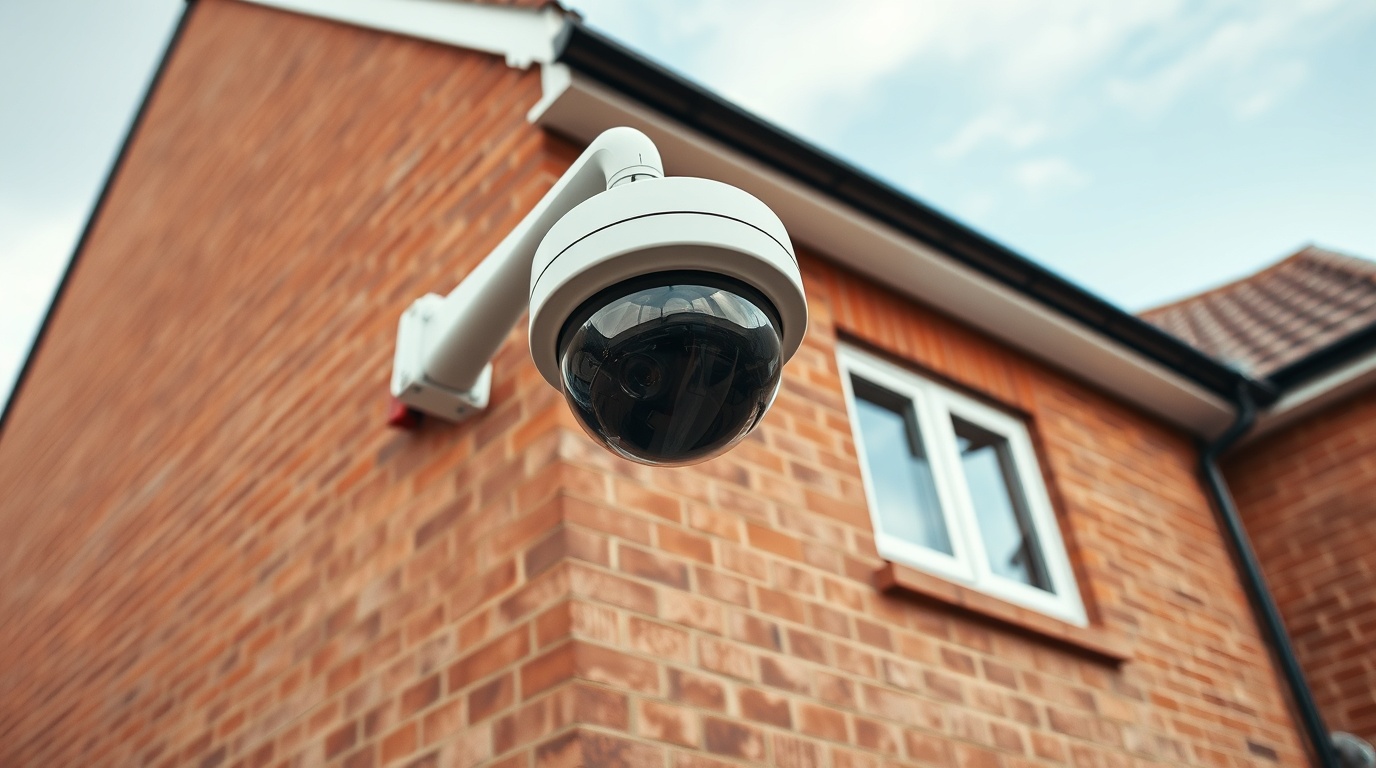
Home CCTV needs modest but regular maintenance to stay reliable. The main tasks are cleaning camera lenses and housings so footage stays clear, checking that cameras are still recording and storing footage, keeping firmware and apps updated for security and bug fixes, and verifying the date and time are correct. You should also check storage health (hard drives and SD cards wear out), confirm night vision and motion detection still work, and inspect cabling and mounts outdoors. A quick monthly check plus an occasional fuller review keeps most systems dependable. This is general guidance on keeping cameras working well, not a substitute for the manufacturer's instructions.
CCTV is easy to forget about until you need footage and find a camera was offline or the lens was caked in dirt. A little routine upkeep avoids that disappointment.
Maintenance essentials
- Lenses / housingsclean periodically
- Recordingcheck cameras are saving footage
- Storagehard drives / SD cards wear out
- Firmware / appskeep updated
- Date and timeverify they are correct
Why maintenance matters
The whole point of CCTV is that footage is there when you need it. The frustrating reality is that systems quietly fail — a camera goes offline, a hard drive fills or dies, a lens fogs with dirt, or a clock drifts out of sync — and the owner only finds out after an incident, when the footage they hoped for is missing or unusable. Routine maintenance exists to catch these problems before they matter, and it is the difference between a system that works on paper and one that works in practice.
The reassuring part is that home CCTV maintenance is light. There is no need for specialist skills or frequent professional visits for most domestic systems. A handful of simple checks done regularly will keep the great majority of issues at bay. The key is consistency: a forgotten system is the one most likely to let you down, so building a brief routine is worth far more than any single deep service.
The core routine tasks
A practical maintenance routine centres on a few things. Clean the lenses and housings: outdoor cameras gather dust, rain spots, cobwebs and grime that blur footage and trigger false motion alerts, so a gentle wipe with a soft cloth keeps images sharp. Check each camera is actually recording by viewing the live feed and the latest saved footage in your app or recorder — a camera that looks fine but stopped saving is a common, hidden failure.
Keep firmware and apps updated, since updates fix bugs and patch security vulnerabilities; turning on automatic updates helps. Verify the date and time are correct, because an inaccurate timestamp undermines footage as evidence. Check night vision and motion detection still behave as expected, ideally by testing after dark and walking through the camera's view. For outdoor installs, glance at cabling, brackets and seals for weather damage or looseness. None of these takes long, and together they cover the failures that most often catch people out.
Seasonal and weather considerations
Outdoor CCTV in the UK has to cope with rain, frost, condensation and long dark evenings, and a little seasonal attention keeps it reliable. In autumn and winter, falling leaves, cobwebs and rain spots accumulate on lenses and can trigger false motion alerts or blur footage, so cleaning becomes more important. Cold, damp conditions can also cause condensation inside housings, fogging the lens; cameras rated for outdoor use generally manage this, but a camera that repeatedly fogs may have a failing seal and need attention.
Darker months put more reliance on night vision and lighting, so it is worth confirming after the clocks change that cameras still produce usable footage in the dark and that any motion-activated lights are working. Spider activity is a common and underrated nuisance, as spiders are drawn to the warmth and infrared glow of cameras and can sit on the lens, generating endless false alerts; a periodic clean and, where appropriate, deterrents around the camera help. Checking that mounts and cables remain secure after stormy weather rounds off the seasonal routine.
None of this requires much effort, but matching your checks to the season — more frequent lens cleaning and a night-vision test as the dark evenings draw in, a look at seals and condensation in cold snaps, and a post-storm inspection of outdoor fixings — keeps an outdoor system dependable through the conditions that most often disrupt it. A system that is reliable in fine weather but blinded by the first frost or autumn cobweb is not really protecting your home when you may need it most.
Storage needs the most attention
The component most likely to fail with age is storage. CCTV hard drives in DVR/NVR recorders work continuously, writing footage around the clock, which wears them faster than a typical computer drive — and SD cards in cameras have a finite number of write cycles. A failing or full drive can mean no footage at all, often without an obvious warning. It is worth checking storage health periodically through the recorder's menus, watching for error messages, and being ready to replace a drive or card that is ageing.
It also helps to confirm your system is overwriting old footage as intended and retaining roughly the period you expect. If recordings are not going back as far as they should, the storage may be failing or misconfigured. Some recorders use drives specifically rated for continuous surveillance use, which last longer in this role than ordinary drives. Treating storage as a wear item — something that will eventually need replacing rather than lasting forever — is the realistic mindset, and it prevents the worst-case discovery of an empty drive after an incident.
The simplest way to keep on top of maintenance is to fold it into a brief, regular habit rather than treating it as a project. A quick monthly check — live view, a glance at saved footage, a wipe of any grubby lenses, and a look for update notifications — covers most of what matters. A slightly fuller review a few times a year can take in storage health, night vision, motion detection and the physical condition of outdoor equipment.
Maintenance also supports your wider responsibilities. Where your cameras capture beyond your boundary and fall under UK GDPR, keeping footage secure and accurate is part of using the system properly, and firmware updates help guard against the password and vulnerability issues that lead to cameras being compromised. A well-maintained system is both more reliable and easier to keep on the right side of the rules. For most homeowners this upkeep is genuinely light — the main thing is simply not to forget it.
| Task | Suggested frequency | Why |
|---|---|---|
| Clean lenses / housings | every few weeks | clear footage; fewer false alerts |
| Check recording + footage | monthly | catch silent recording failures |
| Firmware / app updates | as released | security and bug fixes |
| Check storage health | periodically | drives and cards wear out |
| Inspect outdoor cabling / mounts | a few times a year | weather and wear |
Indicative maintenance schedule for a typical home CCTV system — adjust to your setup and the manufacturer's advice.
Frequently asked questions
How often should I clean my CCTV cameras?
Outdoor lenses benefit from a gentle clean every few weeks, or sooner if footage looks blurred or you notice cobwebs triggering false motion alerts. Use a soft cloth and avoid harsh chemicals. Indoor cameras need cleaning less often. Keeping lenses clear is one of the simplest ways to maintain footage quality.
How long do CCTV hard drives last?
There is no single figure, but surveillance hard drives work continuously and wear faster than typical drives, so they are best treated as a component that will eventually need replacing. Check storage health periodically through your recorder, watch for error messages, and replace a drive showing signs of failure before it leaves you without footage.
Do I need a professional to maintain my home CCTV?
For most domestic systems, no. The routine tasks — cleaning lenses, checking recordings and storage, applying updates and verifying the time — can be done yourself in a few minutes. A professional check can be worthwhile for larger or more complex installations, or if you encounter a fault you cannot resolve, but everyday upkeep is generally a simple owner task.
Sources & further reading
- Get Safe Online — Home CCTV and security cameras
- ICO — Domestic CCTV systems guidance for householders
Figures on this page are typical UK ranges drawn from published sources and depend on your specific property and system. They are guidance, not a quotation.